

You’re born.
You choose.
You live.
A whole life, from childhood to goodbye, decided by you. With dry humor, family, and all your mistakes.
Start living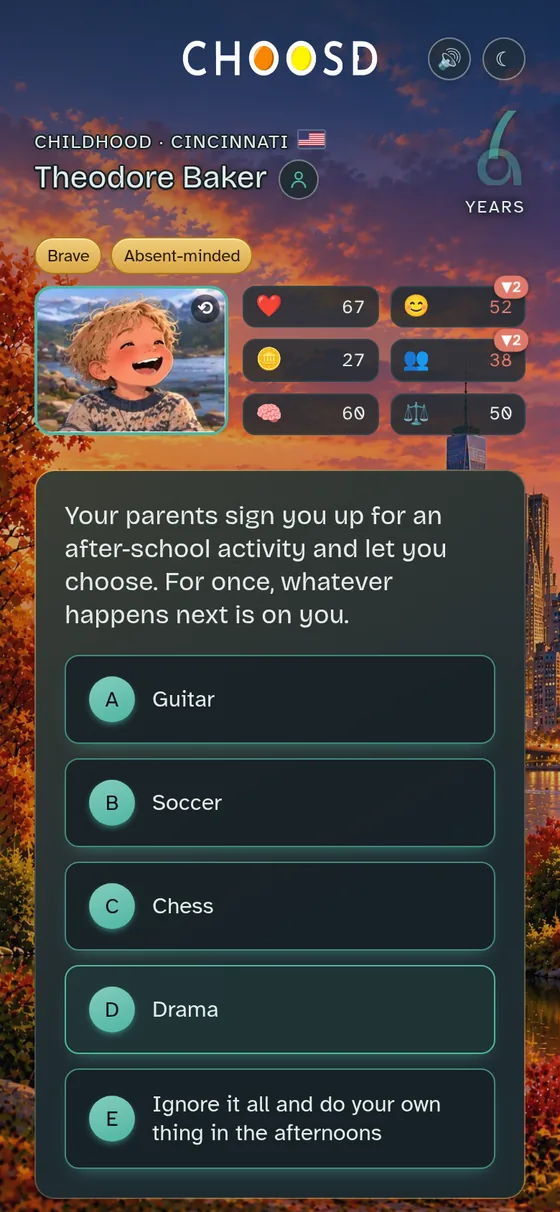
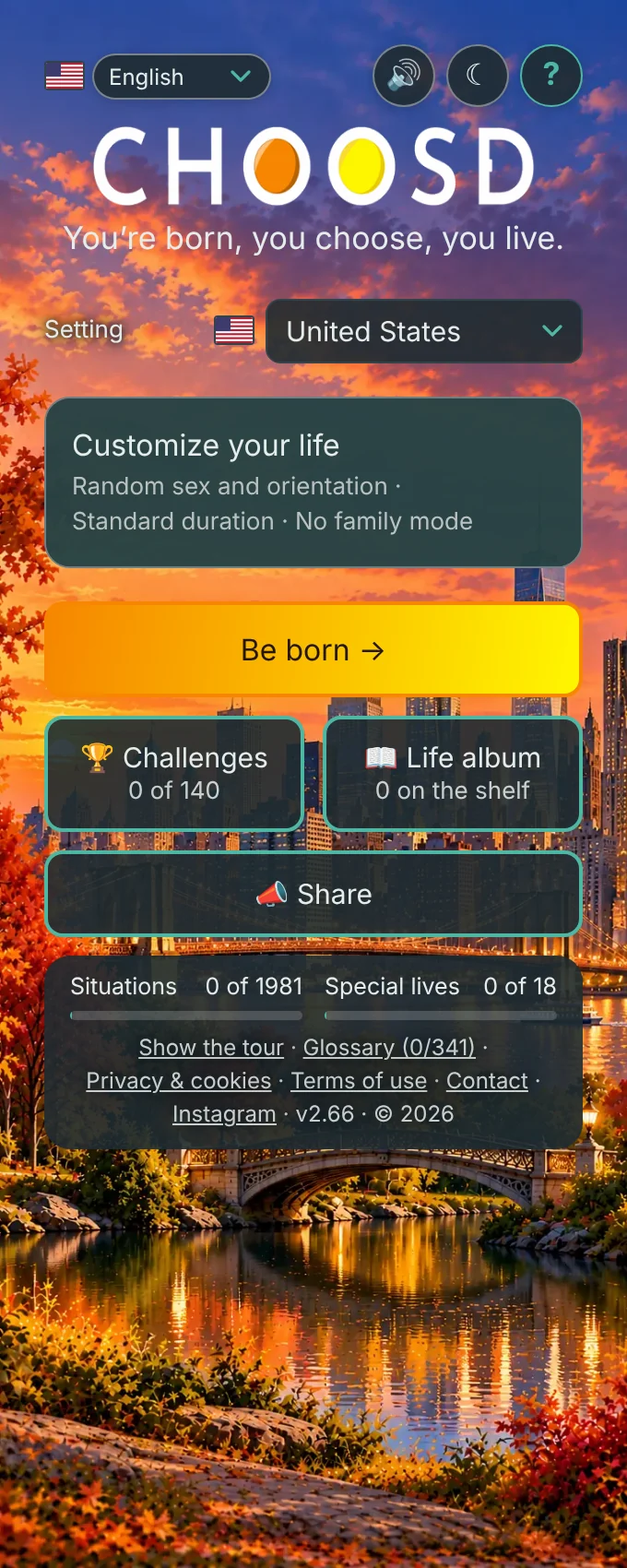
You’re born wherever you want
Before you start, you pick your country, how long your life lasts, and not much else. Leave the rest to chance if you like: your name, your family, your neighborhood.
Live a standard life or an extended one. There’s also a family mode, with no early deaths or adult content, for playing with kids.
You’re born with a story of your own
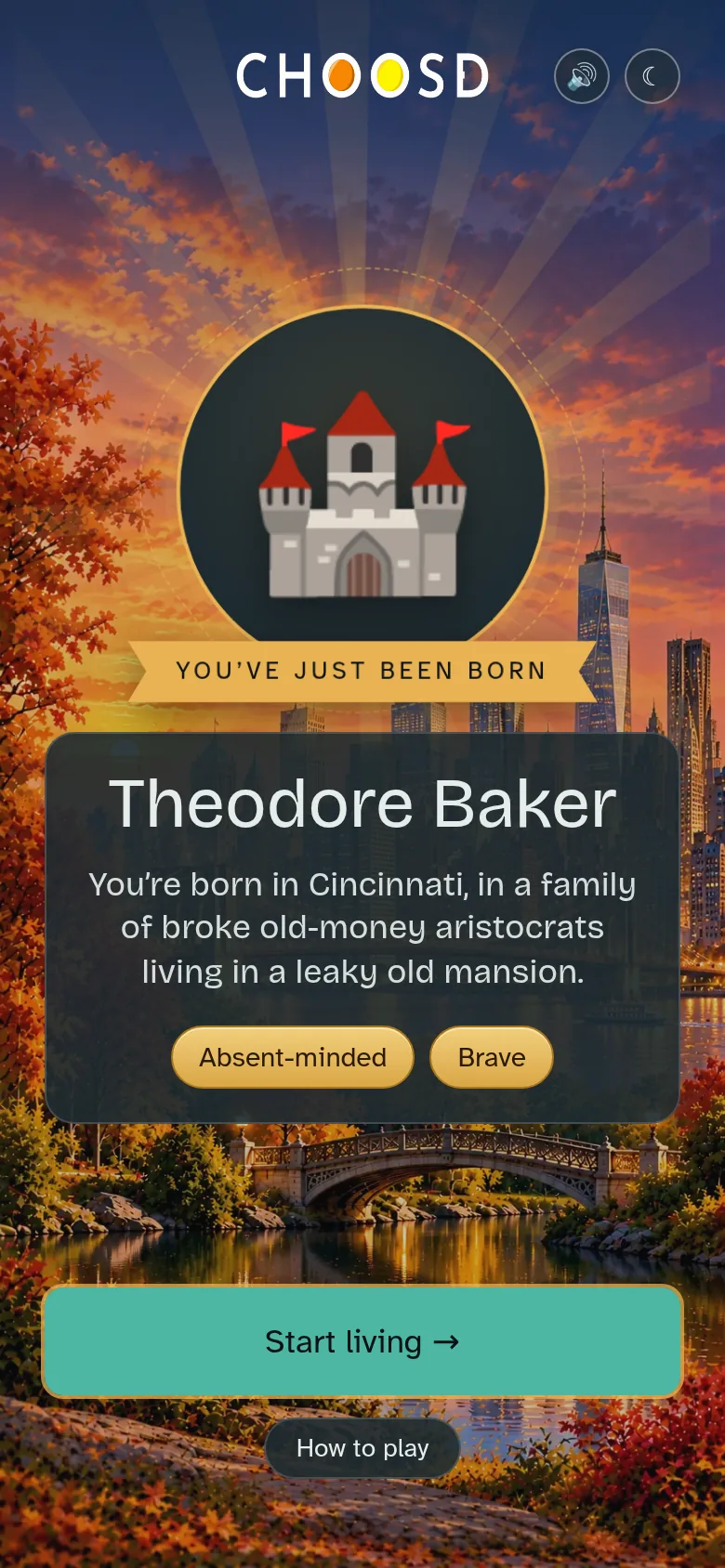
Before your first decision, a screen introduces you to the world: a medallion with your family’s icon, the “You’ve just been born” ribbon, your name, a line that sums up your people, and the traits you arrive with.
And if you forget how this works, you can always tap “How to play.”
You choose, and choices have consequences
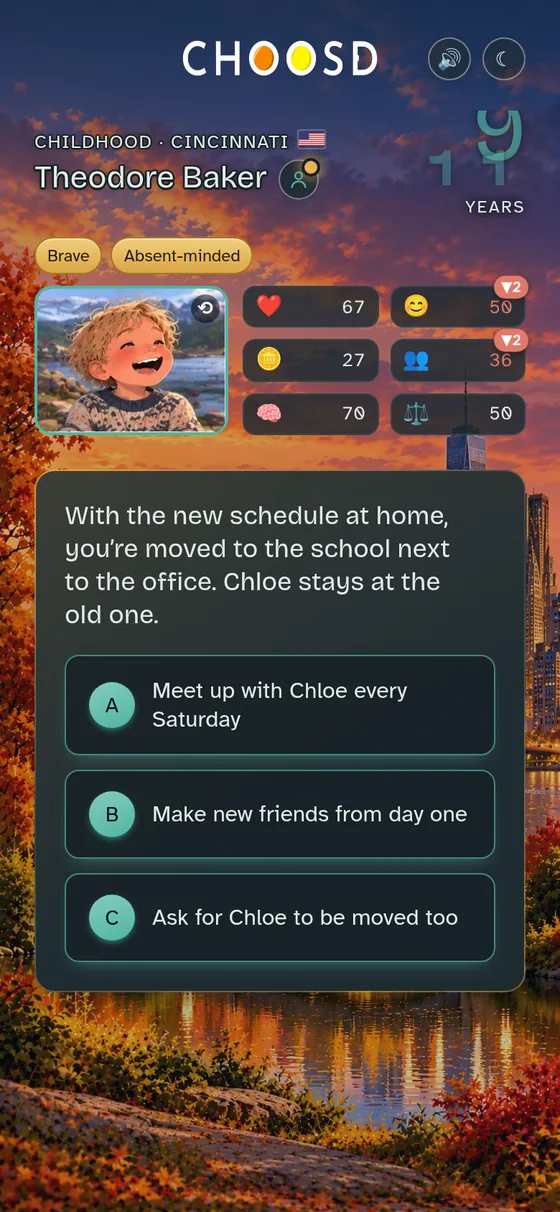
Every year or two, a situation pops up with a few ways out. What you decide moves your bars: you watch them rise or fall, leaving a trail behind, green if you gain and red if you lose. It also reshuffles your friendships and what comes next.
Who you are matters too: sometimes an option shows up that you only get if you’re brave, curious, or a bit of a troublemaker.
Your character has a face, too: a portrait that changes as you do (child, teen, adult, senior), with your six bars beside it. Tap it to switch back to the classic bars. Every new stage of life gets its own golden banner, in case the gray hairs weren’t hint enough.
And between decisions, time passes
After every choice, you see what it set off. Below, a golden ball rolls along to your new age, and life sends the bill: a little Happiness, a few Love & friends points and, as the years go by, Health and Money.
Karma is different: time doesn’t take any of it away. It only moves with how you behave.
Real example: two years in one go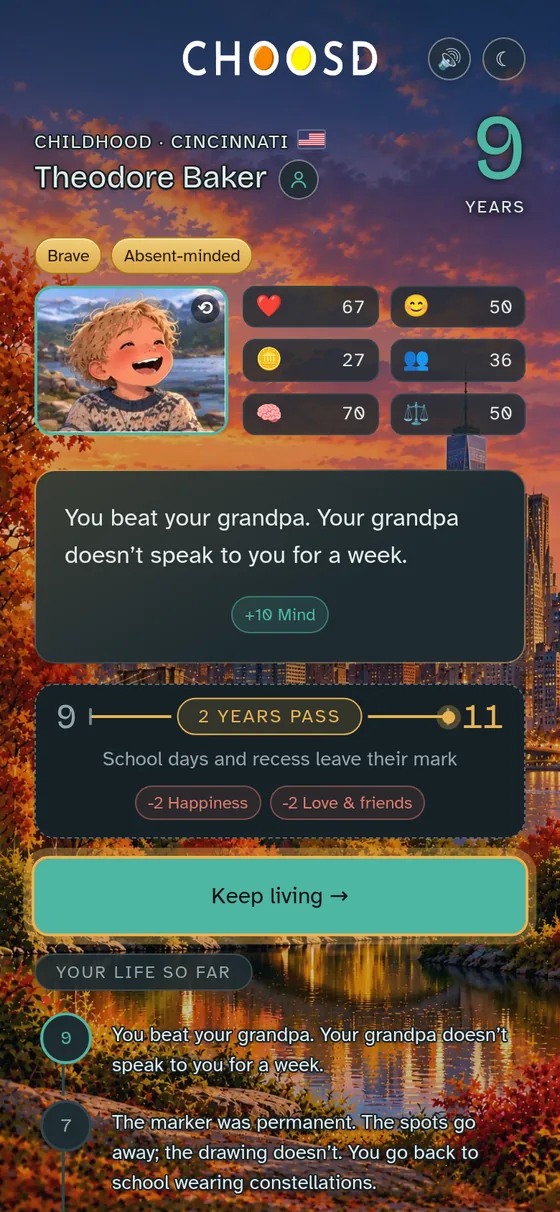
You slowly become someone
Your profile fills itself in: the people who shape you, your pets, your jobs, the cities you live in, plus your traits and moods.
Real example: family, friends, places and traits, all on one card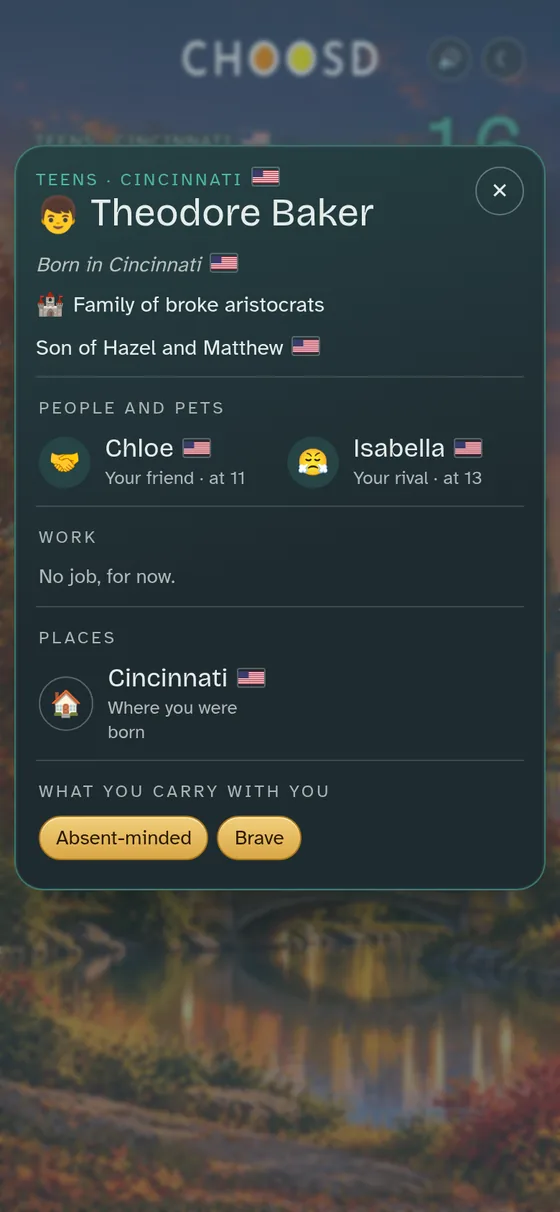
You unlock challenges you never knew existed
There are 140 challenges spread across a whole life. We won’t tell you which ones they are or how to earn them, because the fun is finding them as you play, life after life.
A real notification from a playthrough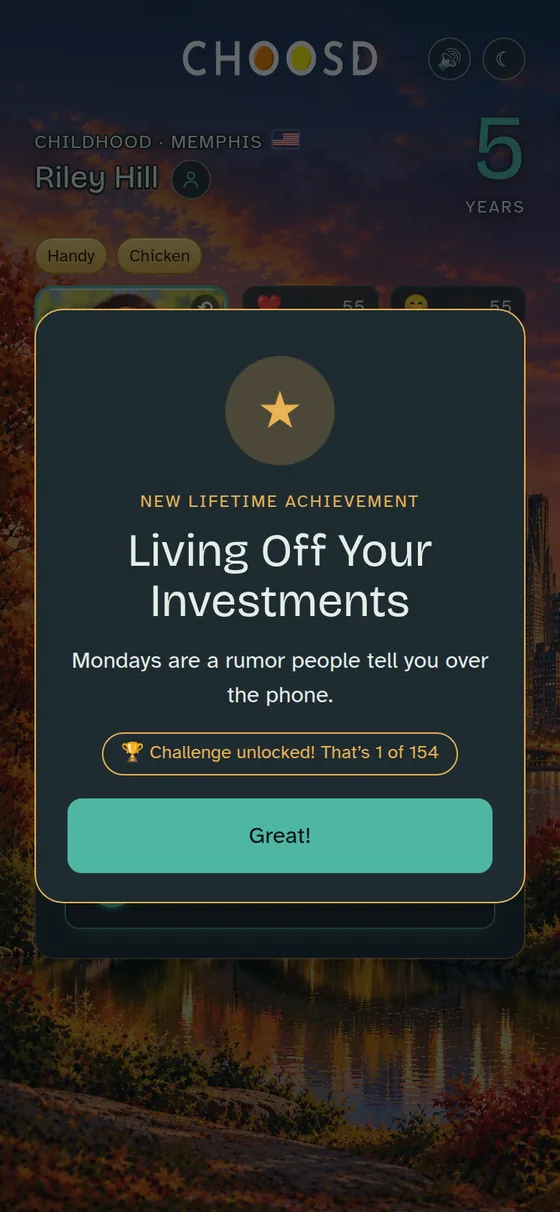
Your challenges become collectible cards
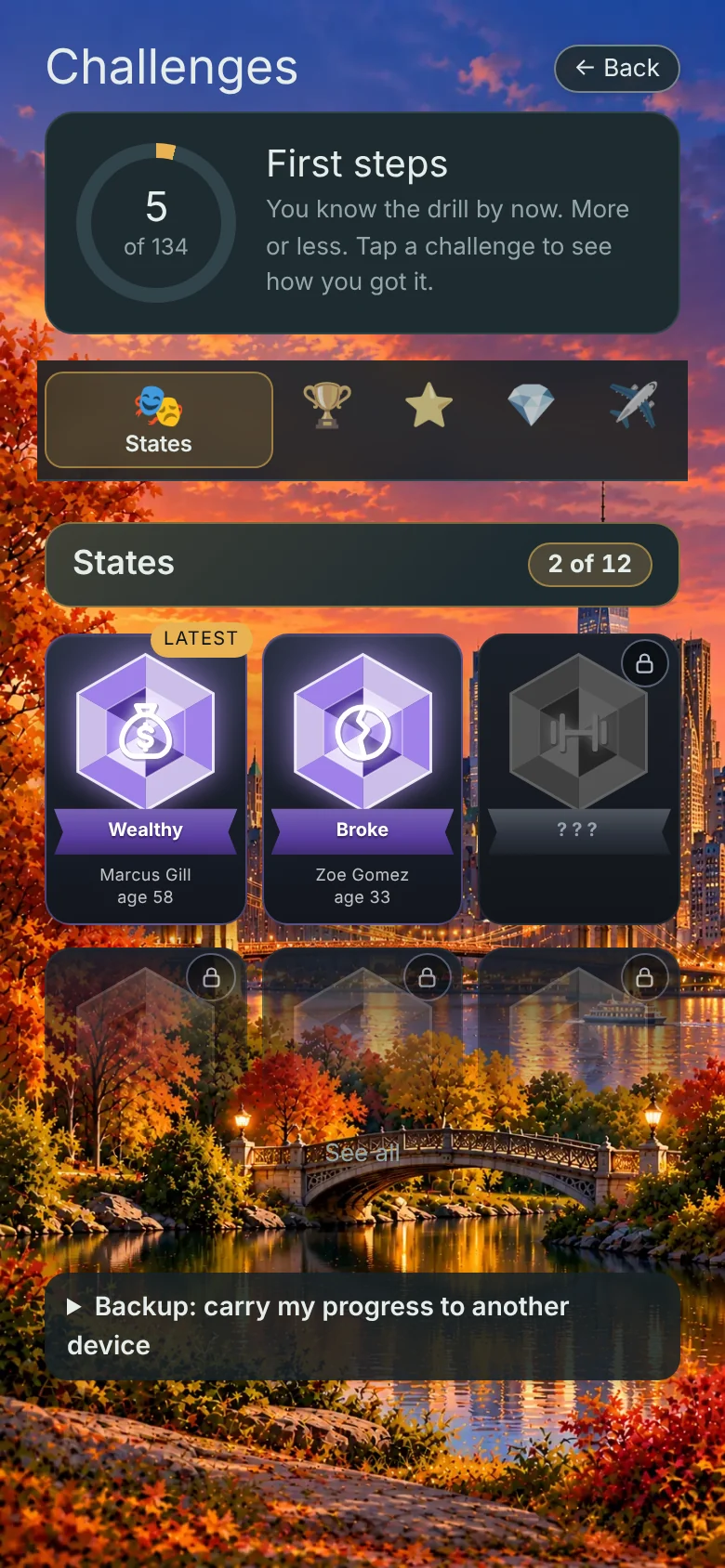
Every challenge you earn becomes a card in your collection. Find them on the “Challenges” screen, one tap from the home screen. Each card shows the name of the person who lived it and how old they were when they earned it. The ones you haven’t found yet show up gray, with a padlock and no hints, giving nothing away.
- Purple gems (“States” section): how you’re doing at a given moment in your life. For example, “Radiant” or “Wealthy.”
- Coins (“Achievements” section): what you earn by the way you live. For example, “Living Off Your Investments.”
- Stars with rays (“Special lives” section): the ones that change everything get a card of their own.
Every life you finish can earn a spot on your shelf
When a life ends, you can give it its own book in your Life album: its name and flag on the cover, and the face it ended up with. Inside you’ll find the moments that shaped it, the people who passed through and the places you lived, with a photo from each stage. No two books look alike, and the more lives you keep, the fuller the shelf gets (the plants politely make room).
It holds 20 lives. To keep a 21st, you’ll have to remove a book, and that one doesn’t come back.
Life album, right on the home screen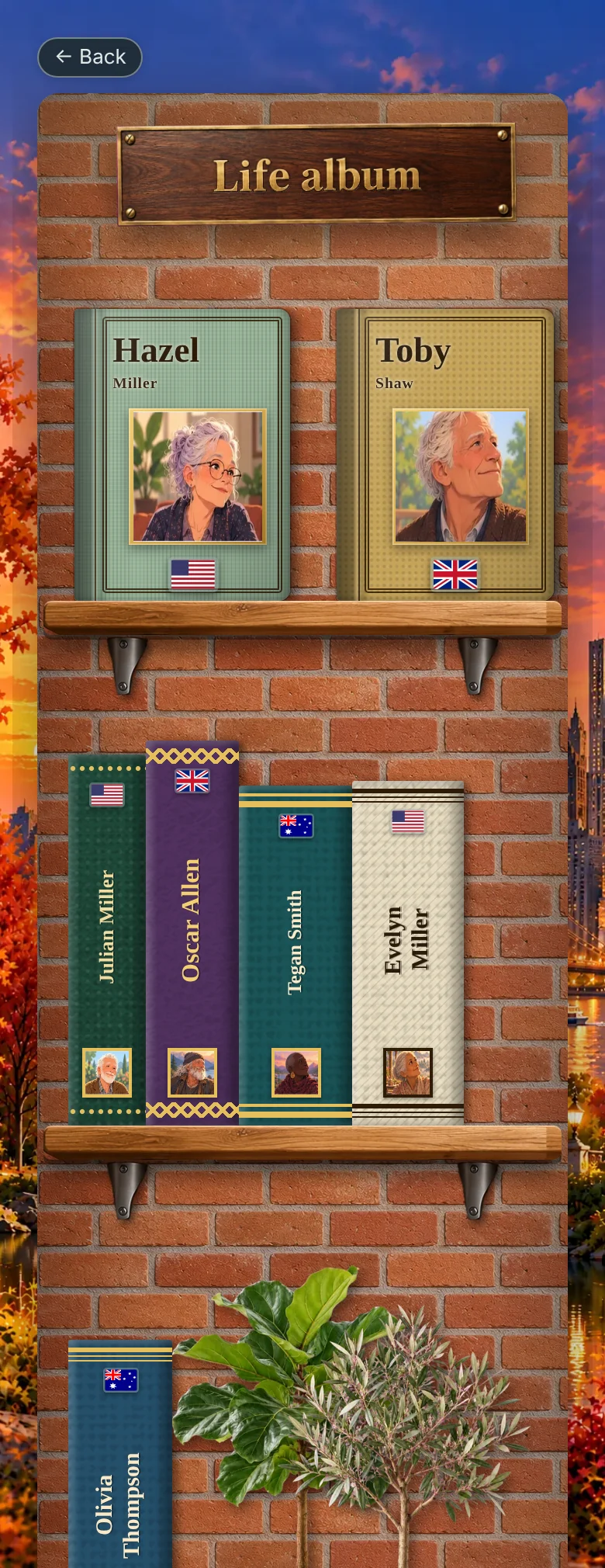
And some objects aren’t in the manual
Artifacts are hidden out there: odd objects that, once in your collection, unlock new features for the lives that follow. What they do, where they hide and what it takes to get them… that part is on you.
Official hint: none. Unofficial hint: none either, but we give it to you with great affection. And no, we won’t tell you how many there are; even mystery needs a little room.
When you get one, you’ll find it in ChallengesUntil then, be suspicious of everything.
In the end, your life fits in a headline
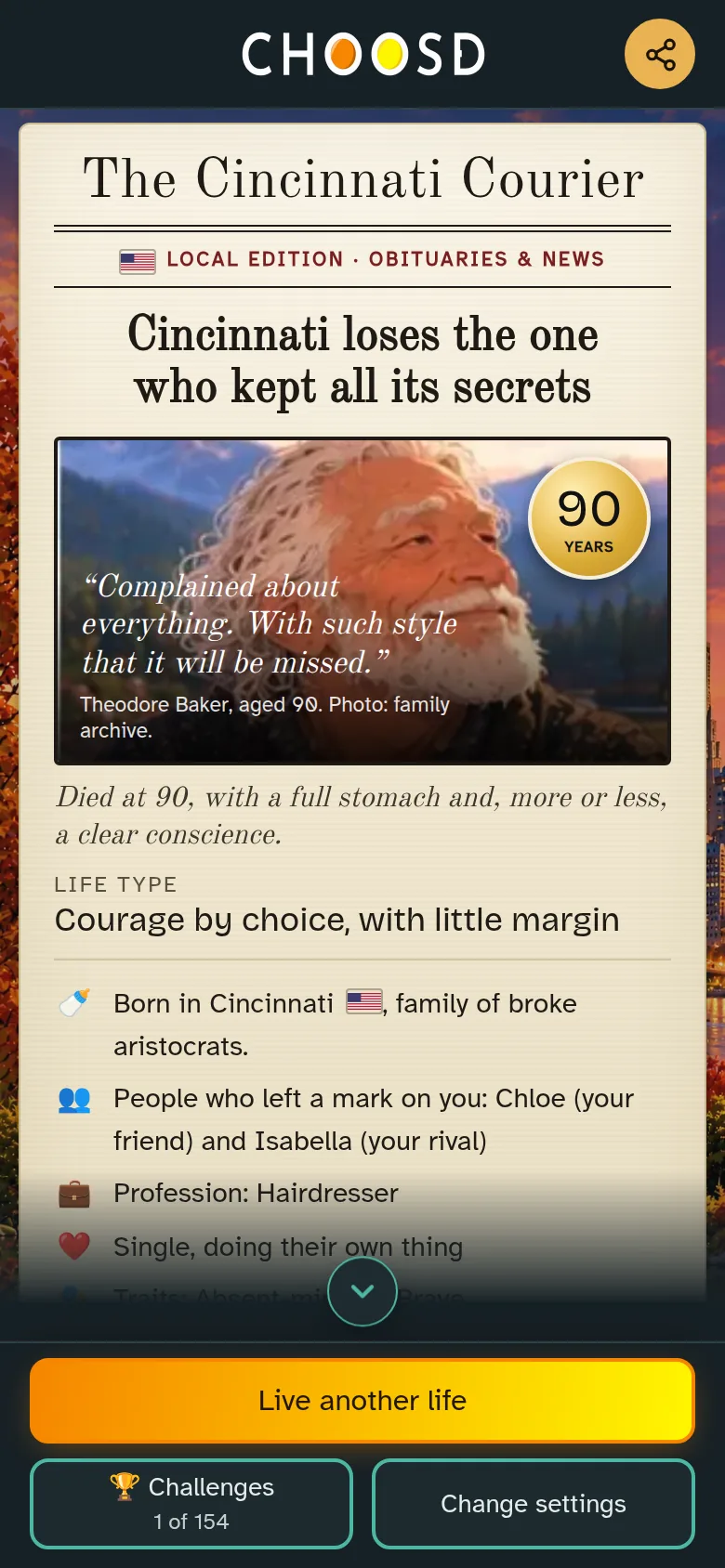
When the last chapter arrives, the game sums up your life: who you were, who you loved, what you did for a living, and what the local paper said about you.
And you take your story with you
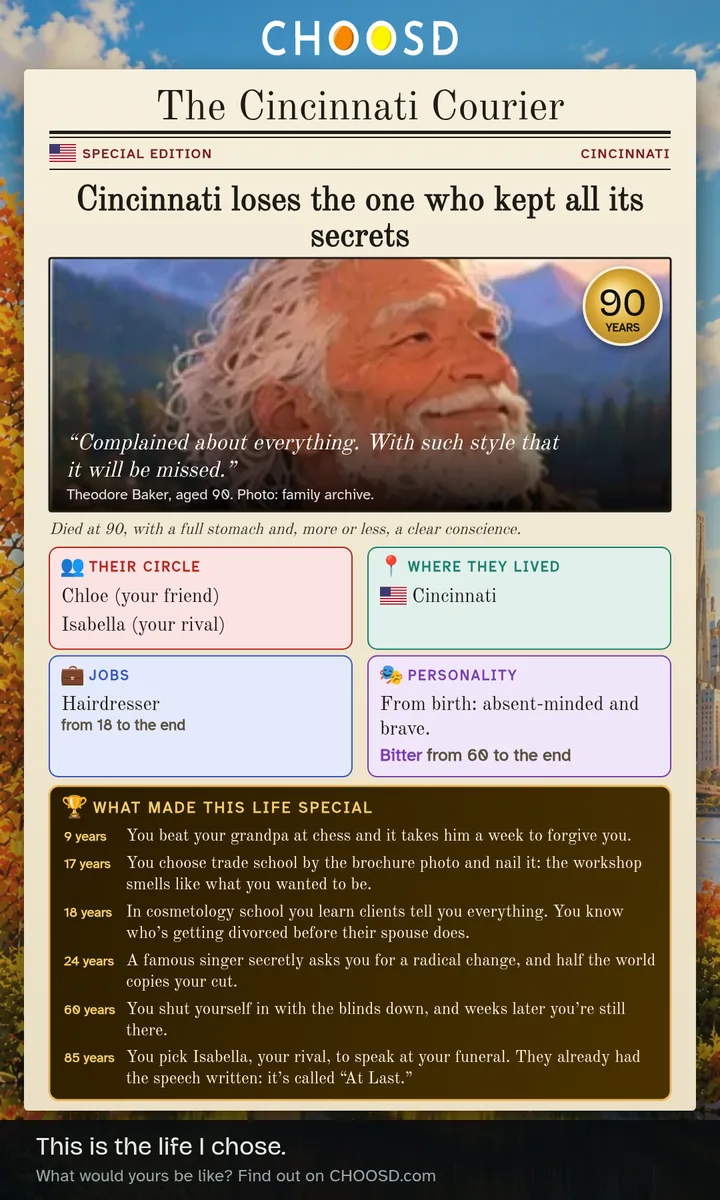
With one tap, your life becomes a newspaper front page, ready to share on WhatsApp, Instagram or wherever you like. Your headline, your photo, your people and your moments, just as they were.
And sometimes, something happens that changes everything
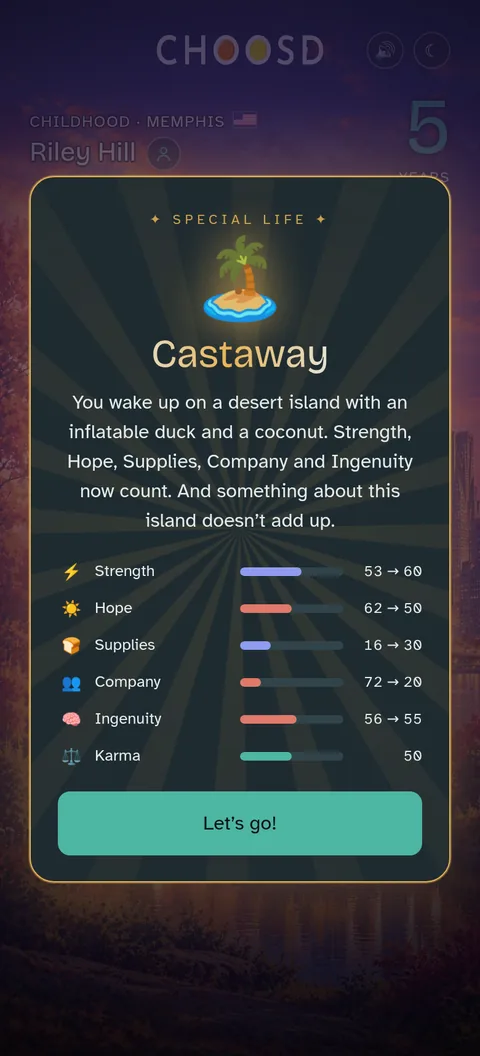
Now and then, a playthrough takes a wild turn and your life becomes something else: the look of the game and even the bars change. For better or worse, we’re not saying more.
Every country has its own humor
It’s not the same game with a different name. Customs, cities, holidays, humor, and even what people call you all change.
Frequently asked questions
Is CHOOSD free?
Yes. It’s free to play in your browser, with nothing to download and no account to create. It’s supported by ads.
How long does a playthrough take?
You choose a standard or an extended life. An extended one is about 40 decisions and takes around 12 to 15 minutes. You can leave it half-finished and pick it up later.
Are all lives the same?
No. There are more than 1,900 situations, and they shuffle differently every playthrough. The country you choose also changes the customs, the places, and the humor.
What is the Glossary?
When you play in another country you run into words from there: a dish, a holiday, a custom. They show up with a dotted gold underline: tap one and it explains itself on the spot. All of them live in the Glossary, the link at the bottom of the home screen: over 300 words with a search box, a filter by country (flag included) and a check mark on the ones you’ve already found while playing.
What happens if I move to another country?
Same as in real life: your old life doesn’t fit in the moving boxes. When you arrive, a whole new set of scenes kicks in (paperwork, finding a place, the language, your first Christmas far from home), and your old job stays behind: if you ran the bar on the town square, you don’t anymore. Trades that fit in a suitcase, like coding or electrical work, come with you. In the meantime it’s job hunting and, if need be, back to school. The trip plays out on a real map: a plane trailing a red line from one country to the next, or a moving van if you’re staying in the same country.
Can I play on my phone?
Yes, it’s built for phones. You can also add it to your home screen as an app.
What languages is it available in?
Spanish, English, French, and Portuguese, with text adapted to each country, not just translated.
How do I move my game to another phone or computer?
Open the Challenges screen, expand “Backup: carry my progress to another device” and tap or click Get code. A short code appears: write it down, or tap Copy code and send it to yourself (by message, email, or notes app). On your other device, open the game, go to Challenges, expand the same section, type the code into “Enter your code” and tap or click Recover. The code expires after 72 hours or as soon as you use it. Your challenges, the situations you’ve already seen, your counters, your special lives, and your Life album all come along (the Life album keeps its 20 most recent lives). A game in progress only comes along if there isn’t one already started on the other device, so finish it first if you can. If you’ve already played on the other device, nothing gets erased: it all adds up. If the game can’t connect, it gives you a long code instead: copy it and paste the whole thing into that same box, without cutting any of it off.
Is it kid-friendly?
The standard game has mature humor and themes. Turn on family mode to remove early deaths and adult content.
Your life starts when you decide
A whole life, decided by you. How would yours turn out?
Start living